
Available now for your drumming pleasure is “Army 2/4”, a fun solo from 1862. It’s available on the Rudimental Solos resource page. Also available is a new video of yours truly performing this solo on the official Drummin’ Around YouTube channel @drumminaround. Happy Drumming!
New Resource Alert
A new hybrid rudiments sheet (#11) has been added to the Hybrid Rudiments page. Hybrid’s include Fufives, Swiss Grinders, Ghost Flams, Inverted Cheese Flam Tap and Macs. Enjoy the challenge and Happy Drumming!
@drumminaround
Drummin’ Around has an official YouTube Channel! Check it out here @drumminaround. I’ll be updating regularly to expand the available videos. Current videos of me playing (attempting?) some classic snare drum solos include “Hell on the Wabash,” “Downfall of Paris” and “Connecticut Halftime.” Eventually I’ll have videos of all solos available for download in the Rudimental Solos section.
Check it out, like and follow! Thanks so much for your continued support and Happy Drumming!
New 19th Century Documents
I’ve just added 7 (wow!) 19th century manuals, with publication dates ranging from 1853 to 1891, to the Historical Documents page. That brings the total number of period manuals to 10, covering drum beatings, playing styles and notation used during the War of 1812, the Civil War, and beyond! Check it out and discover a bit of our rudimental drumming history. Happy drumming!
Crazy Army
Another fun rudimental solo called Crazy Army has been added to Resources under Rudimental Solos. Enjoy and happy drumming!
Quick Update
Just a quick update. I added another hybrid rudiments sheet (sheet#10) to the Hybrid Rudiments page. Enjoy the challenge and Happy Drumming!
Something Wicked This Way Comes
Just kidding! Nothing wicked, just something new.
I’ve added a few triplet grid variations to the 4-2-1 Grid page. Also, a new hybrid rudiment sheet was added that’s focused on Book Reports. Find it at the bottom of the Hybrid Rudiments page. Happy drumming!
New Resources
Some new resources have been added with more to come!
Both are downloadable PDFs. Enjoy and happy drumming!
A simple guide to painting drumsticks


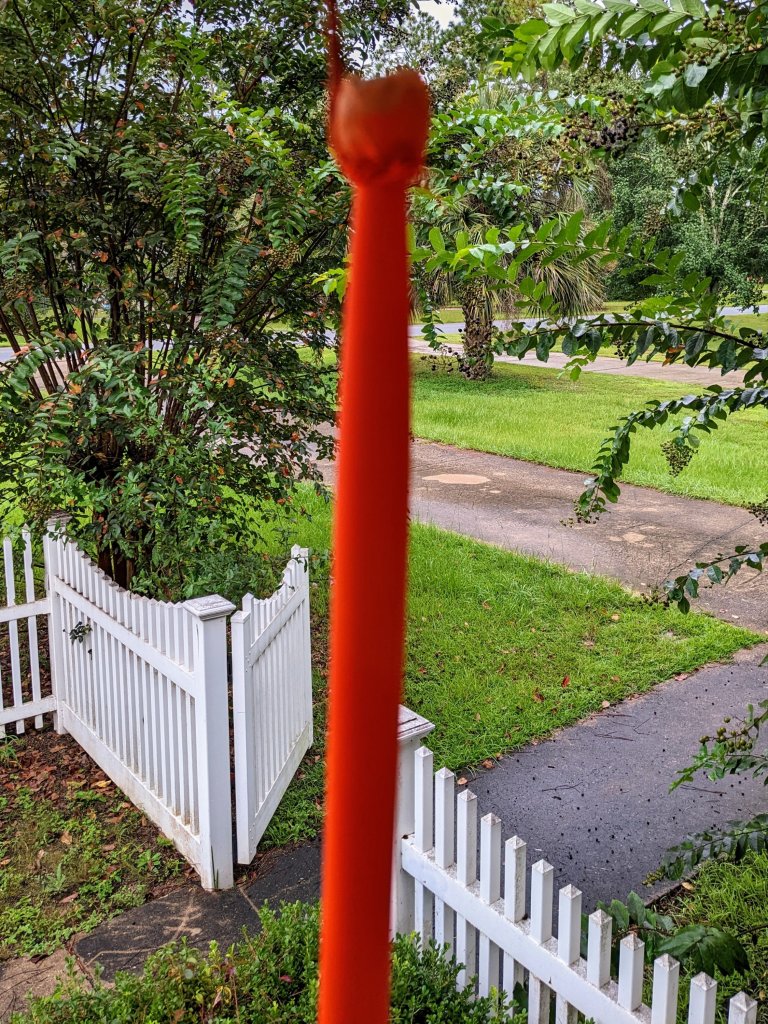


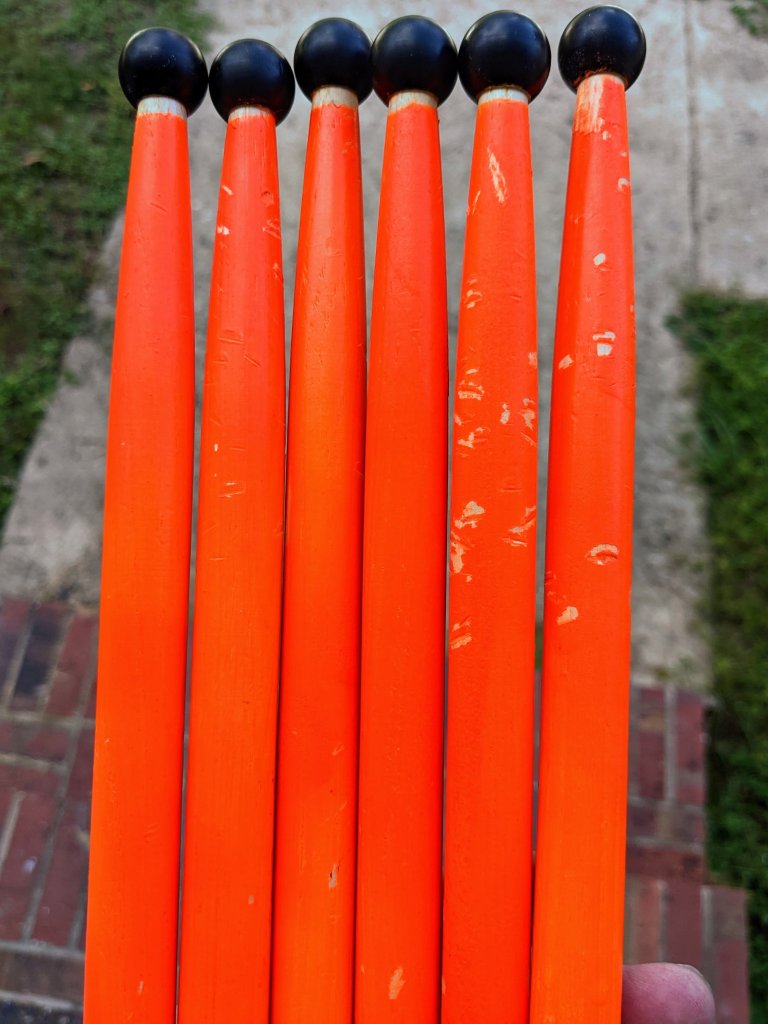
And that’s it. Pretty simple right? The stick logos were not fully covered by the paint but no one is going to notice that from the stands. Of course, you can always apply additional coats of paint if you like, but I wasn’t trying to spend a lot of money on this. Hope this has helped and good luck!
My iPad Journey – PDF Viewers
After getting my new-to-me iPad set up, I began searching for a solution to view my percussion scores. Since my scores are all saved as PDF’s, it just made sense that I should look for a good PDF viewer. I had a few basic requirements that a viewer would have to meet.
First, a useful PDF viewer for my intended purpose would have to include the option to scroll pages horizontally, like a book. Bonus if the scroll animation mimics an actual page turning. Secondly, the viewer would have to offer the ability to make notes right on the PDF score and save edits. This is commonly called annotating or markup. And finally, it must be able to access cloud storage. That’s it. Nothing fancy. Basic features right?
A search of the most popular/best PDF viewers for iPad yielded a starting point for apps to check out. Among those were Acrobat’s Adobe Reader and PDF Expert. Along the way, I also discovered PDF Viewer and decided to test Apple’s native Files app, as well.
The table below shows the main features I looked for and tested within each app. A few notes about the listed features: Intuitive 1 and 2 page view refers to the app displaying a single page in portrait mode and 2 consecutive pages in landscape mode automatically based on screen orientation; shapes refers to the apps ability to insert shapes, like a circle around a given count of a measure; arrows added to point out something specific in a measure, typically with a note attached to it; text – could a text note be added to the PDF; highlighter – freestyle like an actual highlighter to highlight specific musical notation and the ability to highlight printed text within the PDF.
| PDF Viewer | PDF Expert | Adobe Reader | Files | |
| Horizontal scrolling | yes | yes | yes | no |
| Intuitive 1 page view (portrait) | yes | no, must select | no, must select | no |
| Intuitive 2 page view (landscape) | yes | no, must select | no, must select | no |
| Page turn animation | yes | no | no | no |
| Score annotation | yes | yes | paid upgrade | yes |
| Apple pencil/finger | yes | yes | no | yes |
| Shapes | yes | yes | no | yes |
| Arrows | yes | yes | no | yes |
| Text | yes | yes | no | yes |
| Highlighter freestyle | yes | yes | no | yes |
| Highlighter text | yes | yes | no | no |
| Cloud storage | yes | yes | yes | yes |
As you can see, PDF Viewer checked all the boxes for me. And a bonus feature with this app is the ability to save a signature for signing documents, which most PDF apps charge for, but PDF Viewer includes with its free version. So if you’re looking for a reliable, feature-rich PDF reader that has a great free version, great for viewing and making notes on your sheet music and scores, you can’t go wrong with PDF Viewer.
Buy It Now
$9.95 E-book at Amazon Print version coming soon!
$9.95 E-book at Amazon Print Version coming soon!
